That 4K PD3200U looks really tempting. It's Wirecutter's 4K "Upgrade" pick over the Dell.
I was set on the LG UltraFine 4K for my MacBook Pro and I could get it for about 60% of the price, also refurbed, but now I'll have to think about screen size.
Do I need 32"? I'm a filthy casual user, I just want to enjoy streaming sports and TV shows on it. Occasional gaming. Maybe connect a console via HDMI and play on my desk once in a while.
Is 15% off the most Benq has offered for refurbs? Am I crazy to think I saw 20% at one point?
I'm also interested in the PD3200U...although one thing that concerns me is that I'm used to a 24" screen and my laptop screen on a laptop stand. This would be more pixels, but I don't think I'd have enough room on my desk for a 32" AND the laptop stand. I'm used to a physically different space to drag windows to, that stay stack when I switch desktops, and can otherwise "ignore" etc. I'm wondering if having one single desktop, even if it's much bigger, will disrupt my normal work flow (coding/writing, etc.)
That 4K PD3200U looks really tempting. It's Wirecutter's 4K "Upgrade" pick over the Dell.
I was set on the LG UltraFine 4K for my MacBook Pro and I could get it for about 60% of the price, also refurbed, but now I'll have to think about screen size.
Do I need 32"? I'm a filthy casual user, I just want to enjoy streaming sports and TV shows on it. Occasional gaming. Maybe connect a console via HDMI and play on my desk once in a while.
So just to make sure you're aware. There's almost no streaming 4K Sports or TV shows. You might want to check from where you are currently streaming to see if it has a 4K option. Even though it's usually reserved for very very special occasions (BTW, for most of the internet, The Olympics wasn't special enough to emphasize on how special it must be.) As such you won't see a difference 99% of the times except for 4K UHD Blu-rays. TV studios also in general are not planning to adopt 4K as a broadcast standard so don't expect this to be future proofing yourself since they have already agreed on 8K being the next broadcast standard (4k is the 720P of the HD era). As such you're limited to special events, youtube, and movies in general. Oh and Netflix Originals since Netflix insist and they aren't a broadcaster.
After saying all that. I have a 27" 4K monitor and I think that's fine. But it depends on how close you are to the screen. At 1 arm length it's plenty. At 1.5 Arms is what I think would be the border of getting 32" instead.
It is one of their most popular gaming monitors. You can get it for $250 regular price and it never goes on sale except during things like %off on eBay. I do not believe it is free-sync though, at least the specs don't list it. FYI: free-sync only works with AMD cards.
They require DVI-DL for 144hz probably, so you may need to buy adapters. Some monitors allow 144hz over HDMI or DisplayPort . Varies by model.
That 4K PD3200U looks really tempting. It's Wirecutter's 4K "Upgrade" pick over the Dell.
I was set on the LG UltraFine 4K for my MacBook Pro and I could get it for about 60% of the price, also refurbed, but now I'll have to think about screen size.
Do I need 32"? I'm a filthy casual user, I just want to enjoy streaming sports and TV shows on it. Occasional gaming. Maybe connect a console via HDMI and play on my desk once in a while.
I got this monitor the last time this deal came around. It is good, but a couple recommendations:
Get a gas-spring monitor arm, and use it on a desk that is at least 36" deep. Being able to move it out of the way and close or far away makes it much better.
Make sure to get an active USB-C - HDMI/DisplayPort adapter. Not only does it make the difference between 60Hz and 30Hz, which is surprisingly important even when scrolling text, but your MacBook Pro only gives you all of the retina scaling options if you are using an active adapter. (check that it explicitly says 4k @ 60Hz in the product description)
Finally, while I like the monitor and think it is a deal at under $600, the display quality still does not seem nearly as good as the display on a 4k or 5k iMac monitor. I have not tried an LG UltraFine monitor.
I'd suggest waiting for bigger discounts. Last month they had an X25 code for 25% off their refurb monitors. And in November they had an X30 code for 30% off! Fingers crossed for those to come back around. 15% isn't much of a discount by comparison, from what I've seen. Cheers,
--Kyle


57 Comments
Your comment cannot be blank.
Featured Comments
Sign up for a Slickdeals account to remove this ad.
I was set on the LG UltraFine 4K for my MacBook Pro and I could get it for about 60% of the price, also refurbed, but now I'll have to think about screen size.
Do I need 32"? I'm a filthy casual user, I just want to enjoy streaming sports and TV shows on it. Occasional gaming. Maybe connect a console via HDMI and play on my desk once in a while.
I'm also interested in the PD3200U...although one thing that concerns me is that I'm used to a 24" screen and my laptop screen on a laptop stand. This would be more pixels, but I don't think I'd have enough room on my desk for a 32" AND the laptop stand. I'm used to a physically different space to drag windows to, that stay stack when I switch desktops, and can otherwise "ignore" etc. I'm wondering if having one single desktop, even if it's much bigger, will disrupt my normal work flow (coding/writing, etc.)
Anyone with similar experiences?
I was set on the LG UltraFine 4K for my MacBook Pro and I could get it for about 60% of the price, also refurbed, but now I'll have to think about screen size.
Do I need 32"? I'm a filthy casual user, I just want to enjoy streaming sports and TV shows on it. Occasional gaming. Maybe connect a console via HDMI and play on my desk once in a while.
After saying all that. I have a 27" 4K monitor and I think that's fine. But it depends on how close you are to the screen. At 1 arm length it's plenty. At 1.5 Arms is what I think would be the border of getting 32" instead.
Sign up for a Slickdeals account to remove this ad.
https://www.benqdirect.
$201.45 - without tax
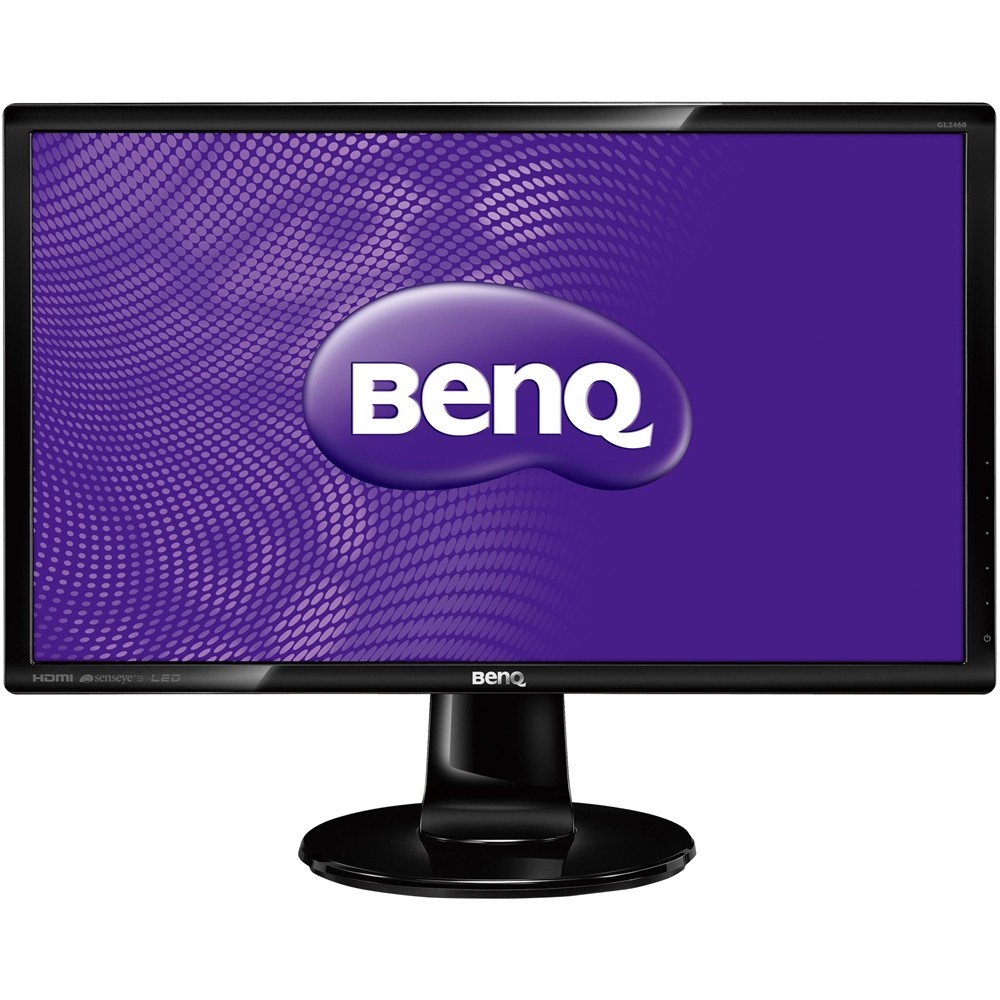
It is one of their most popular gaming monitors. You can get it for $250 regular price and it never goes on sale except during things like %off on eBay. I do not believe it is free-sync though, at least the specs don't list it. FYI: free-sync only works with AMD cards.
They require DVI-DL for 144hz probably, so you may need to buy adapters. Some monitors allow 144hz over HDMI or DisplayPort . Varies by model.
I was set on the LG UltraFine 4K for my MacBook Pro and I could get it for about 60% of the price, also refurbed, but now I'll have to think about screen size.
Do I need 32"? I'm a filthy casual user, I just want to enjoy streaming sports and TV shows on it. Occasional gaming. Maybe connect a console via HDMI and play on my desk once in a while.
Get a gas-spring monitor arm, and use it on a desk that is at least 36" deep. Being able to move it out of the way and close or far away makes it much better.
Make sure to get an active USB-C - HDMI/DisplayPort adapter. Not only does it make the difference between 60Hz and 30Hz, which is surprisingly important even when scrolling text, but your MacBook Pro only gives you all of the retina scaling options if you are using an active adapter. (check that it explicitly says 4k @ 60Hz in the product description)
Finally, while I like the monitor and think it is a deal at under $600, the display quality still does not seem nearly as good as the display on a 4k or 5k iMac monitor. I have not tried an LG UltraFine monitor.
--Kyle