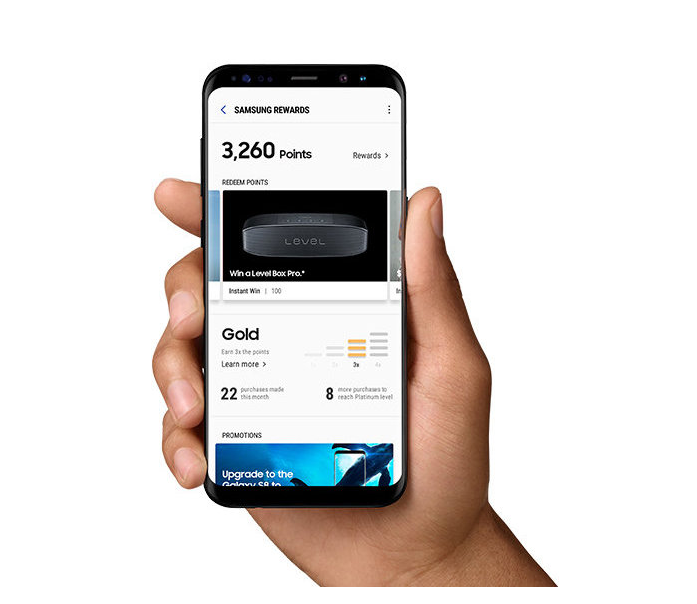
Samsung Rewards (link for reference) offers
1000 Points for
Free when you
Make Samsung Internet Your Default Browser on eligible Samsung devices. Thanks cidvicious
Steps:
- Open Samsung Internet (the browser pre-installed on your phone)
- Tap on the three dots menu icon on the top right of the screen
- Select Samsung Rewards (make sure your Samsung Pay account is logged in)
- Follow directions to make Samsung Internet your default browser
- 1000 Points should then be applied to your account instantly
Note, you may need to update the app to the latest version in order to replicate the offer. It will not work if you already have Samsung Internet as your default browser. In this case, download another browser (like chrome), make that your default browser, and try the steps again.
Editor's Notes & Price Research
Please refer to the
forum thread for additional offer information. -johnny_miller
Original Post
Written by
Edited November 6, 2017
at 05:06 PM
by
credit to alex210sa from the samsung pay subreddit for finding this (and giving me permission to repost it on slickdeals).
1. Open Samsung Internet (the browser pre-installed on your phone).
2. tap on the three dots menu icon on the top right of the screen.
3. select Samsung Rewards.
4. follow directions to make samsung internet your default browser.
Notes:
*Make sure your SamPay account is logged in (it should be automatically).
*It will not work if you already have Samsung Internet as your default browser. In this case, download another browser (like chrome), make that your default browser, and try the steps again.
*Make sure the app is up to date (some say you have to download and/or update from the google play store instead of from the galaxy apps store)



269 Comments
Your comment cannot be blank.
Featured Comments
Sign up for a Slickdeals account to remove this ad.
The points showed up instantly, in my case. It showed the points on the browser itself.
mine showed up immediately.
Logged in to samsung pay btw.
Sign up for a Slickdeals account to remove this ad.
Logged in to samsung pay btw.
Same here, but probably because I have the Samsung Internet APK sideloaded onto my Moto G4. Likely not gonna work at all without a Samsung phone and Samsung Pay in my case.
Logged in to samsung pay btw.
make chrome your default browser, then try again.
make sure you're using the Samsung Internet browser, and NOT the Samsung Internet BETA.