Don't have Amazon Prime? Students can get a
free 6-Month Amazon Prime trial with free 2-day shipping, unlimited video streaming & more.
If you're not a student, there's also a
free 1-Month Amazon Prime trial available.
You can also earn cash back rewards on Amazon and Whole Foods purchases with the
Amazon Prime Visa credit card. Read our review to see if it’s the right card for you.



111 Comments
Your comment cannot be blank.
Featured Comments
-Topper.
Display port 1.4 is able to use the same half capacity of USB-C to transmit 4k@60hz. Full USB 3.0 is available at the same time. But both hub and computer have to support display port 1.4 which is only available on newer hardware.
Sign up for a Slickdeals account to remove this ad.
Our community has rated this post as helpful. If you agree, why not thank topperdude
-Topper.
-Topper.
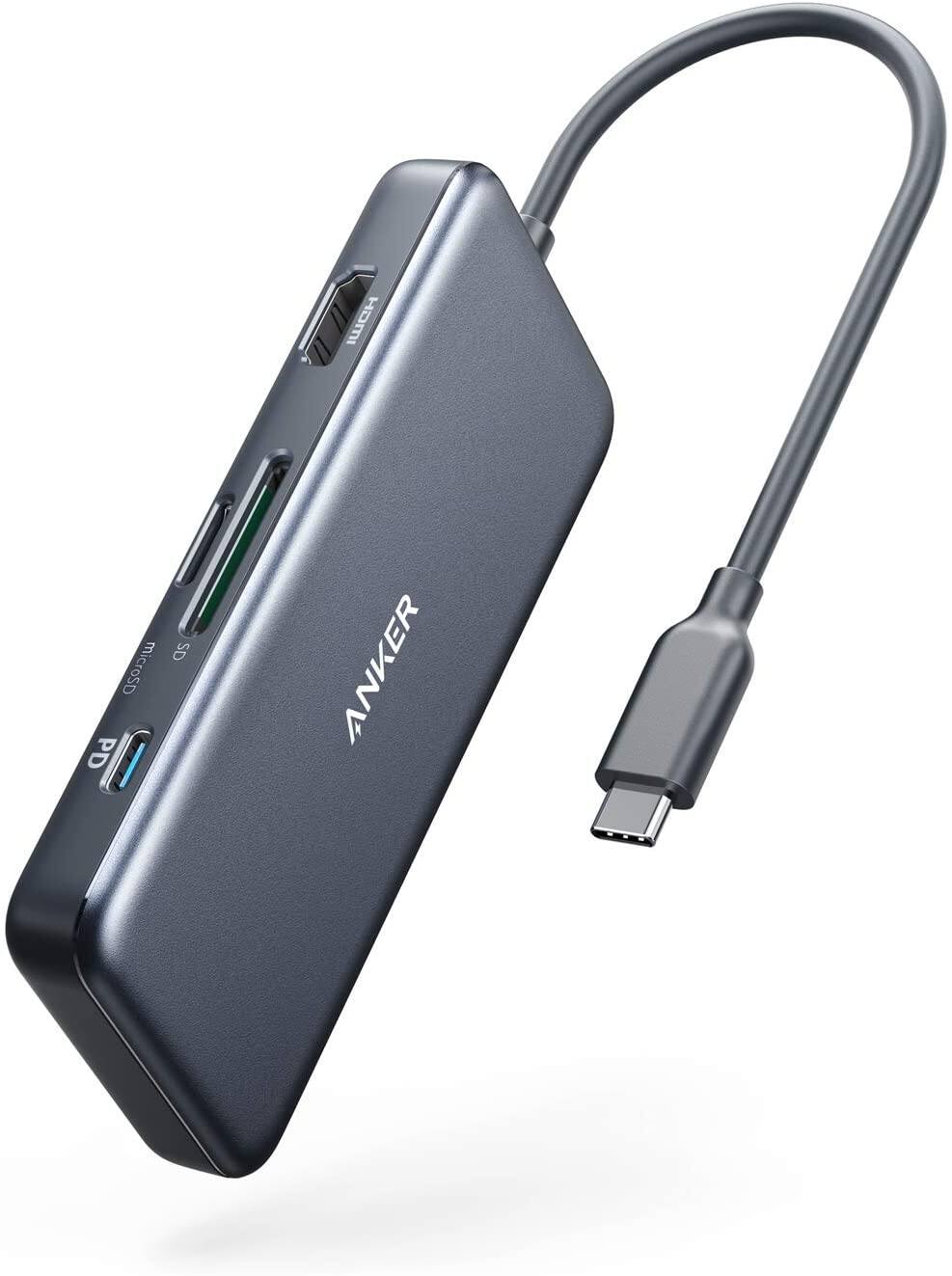
I have to check what the Apple AV Multiport provides in HDMI. If its the same 60hz in 1080/30hz in 4K then I may just purchase the Anker
I have to check what the Apple AV Multiport provides in HDMI. If its the same 60hz in 1080/30hz in 4K then I may just purchase the Anker
But only the newest models, older ones that look identical only do 30
Interesting write up here: https://www.bigmessowires.com/2019/05/19/explaining-4k-60hz-video-through-usb-c-hub/
Essentially, you trade USB speed for framerate
But only the newest models, older ones that look identical only do 30
Interesting write up here: https://www.bigmessowir
Essentially, you trade USB speed for framerate
Edit: Just read the Product Info page on Apple's site and it states it's dependent on the computer you are using, not the multiport adapter.
Multiport Adapter [apple.com]
Sign up for a Slickdeals account to remove this ad.
Edit: Just read the Product Info page on Apple's site and it states it's dependent on the computer you are using, not the multiport adapter.
Multiport Adapter [apple.com]
I have no idea how to identify the difference but if you figure it out I'm all ears!
I have no idea how to identify the difference but if you figure it out I'm all ears!
I have a 13" MBP that apparently doesn't support 60hz.....so I guess I can only do 1080 at 60
Is it a model with USB-C? If so, try the ports on the left-hand side of the machine. The ports on the right side will not do 60Hz on most models even when plugged in directly.
That's my bet. A bunch of identical reference-design boards with different names and enclosures, hence I get the $12 rando-brand ones when I need 'em. Maybe some support more power throughput than others, but I've never bothered to run power through the hub since I've got several unused ports.