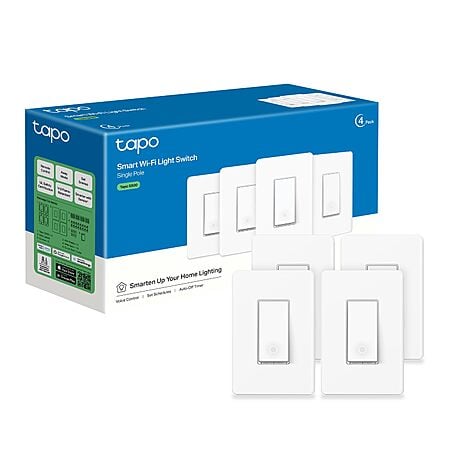
Amazon has 4-pk TP-Link Tapo S500 UL Certified Single Pole Smart Wi-Fi Light Switches on sale for $30.34. Shipping is free with Prime or on $35+ orders.
Thanks to community member artcab for finding this deal.
Features:
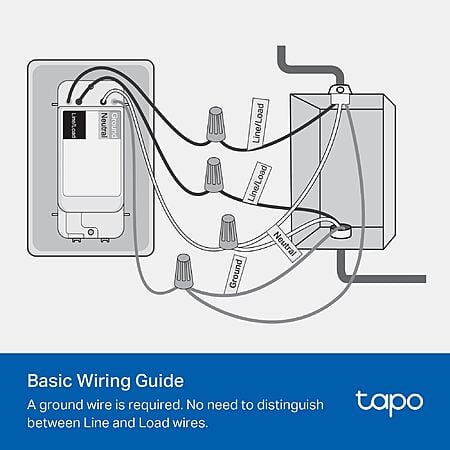
The Tapo app guides you through step-by-step setup. Requires neutral wiring and 2.4 GHz Wi-Fi. Consulting an electrician is recommended if you're unfamiliar with electrical wiring.
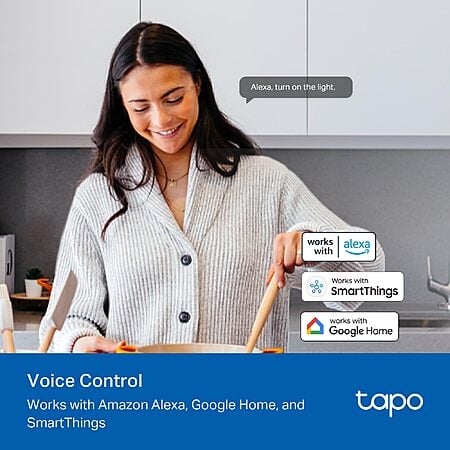
Enjoy the hands-free convenience of controlling the lights in your home with your voice via Amazon Alexa or Google Assistant. Perfect for times when your hands are full or entering a dark room.
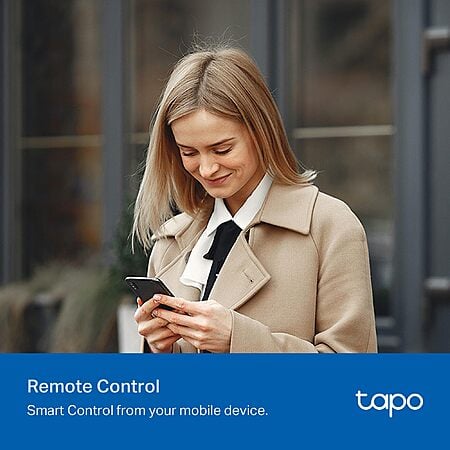
Monitor your light status. Turn electronics on and off from anywhere with your smartphone using the Tapo App, whether you are at home, in the office or on vacation.
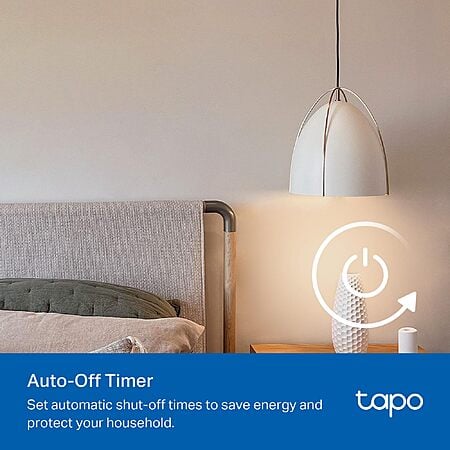
Use timer or countdown schedules to set your smart switch to automatically turn on and off while you're home or away. Enable Away Mode to randomly switch on and off to trick potential intruders.
Tapo is trusted by over 8 million users worldwide. UL certified for safety use. 2-year warranty.
This collaborative space allows users to contribute additional information, tips, and insights to enhance the original deal post. Feel free to share your knowledge and help fellow shoppers make informed decisions.
Amazon has 4-pk TP-Link Tapo S500 UL Certified Single Pole Smart Wi-Fi Light Switches on sale for $30.34. Shipping is free with Prime or on $35+ orders.
Thanks to community member artcab for finding this deal.
Features:
The Tapo app guides you through step-by-step setup. Requires neutral wiring and 2.4 GHz Wi-Fi. Consulting an electrician is recommended if you're unfamiliar with electrical wiring.
Enjoy the hands-free convenience of controlling the lights in your home with your voice via Amazon Alexa or Google Assistant. Perfect for times when your hands are full or entering a dark room.
Monitor your light status. Turn electronics on and off from anywhere with your smartphone using the Tapo App, whether you are at home, in the office or on vacation.
Use timer or countdown schedules to set your smart switch to automatically turn on and off while you're home or away. Enable Away Mode to randomly switch on and off to trick potential intruders.
Tapo is trusted by over 8 million users worldwide. UL certified for safety use. 2-year warranty.
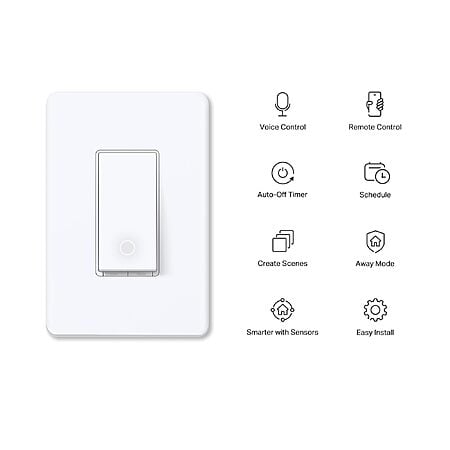
Model: TP-Link Tapo Smart Light Switch, Single Pole, Neutral Wire Required, 2.4GHz Wi-Fi Light Switch Compatible with Alexa and Google Home, UL Certified, No Hub Required, White, Tapo S500(4-Pack)
Deal History
Deal History includes data from multiple reputable stores, such as Best Buy, Target, and Walmart. The lowest price among stores for a given day is selected as the "Sale Price".
Sale Price does not include sale prices at Amazon unless a deal was posted by a community member.
Local area network support so that even when your internet is down your matter devices still work. And much easier setup when connecting to your hub. This is what I know at least.
The Kasa app is deprecated and is replaced by the Tapo app - the Kasa devices paired (and the automations defined) in the Kasa app migrated over to the Tapo app when I installed the Tapo app.
Our community has rated this post as helpful. If you agree, why not thank artcab
Quote
from ready2rumble
:
Since these are Alexa compatible, can you just use the Alexa app instead of the Tapo app to control the switch?
You'll need to install the Tapo app and add the devices through the Tapo app. You'll also need to add the TP-Link Tapo "skill" to Alexa, which includes entering your Tapo account credentials (account and password) to "pass through" the Kasa and Tapo devices to Alexa. Once that's done, Alexa will add the switches as devices within the Alexa app, and you can use the switches in your Alexa app to trigger Alexa routines, and don't really need to use the Tapo app other than to add new Kasa or Tapo devices, which will then be passed through to Alexa as smart devices.
Thanks for all that! Maybe it's worth going a different route to avoid having to use a third-party app? Perhaps just using the Amazon branded switches might be better to avoid a middleman of sorts?
i did this. use exclusively alexa voice command now. just 1 time install of the app to set up, uninstalled it and havent needed it for a year now
Leave a Comment
26 Comments
Sign up for a Slickdeals account to remove this ad.
https://a.co/d/fkLaOJC
Sign up for a Slickdeals account to remove this ad.
Our community has rated this post as helpful. If you agree, why not thank artcab
Sign up for a Slickdeals account to remove this ad.
Leave a Comment