Best Buy [bestbuy.com] has for Select Locations:
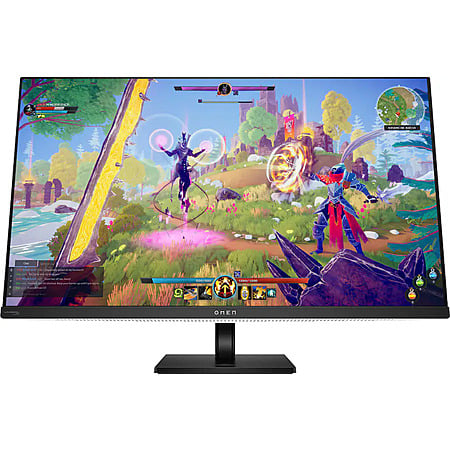
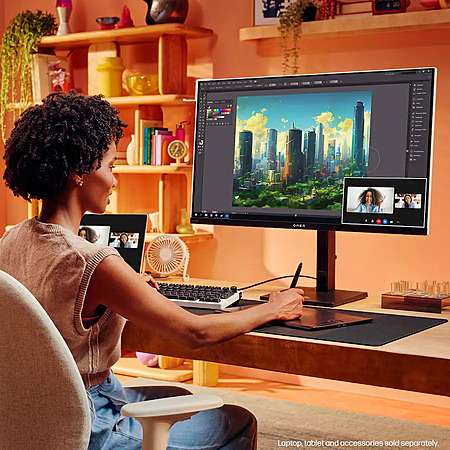
31.5" HP OMEN Transcend QD-OLED 4K 240Hz Gaming Monitor (Open-Box) on sale for the prices below. Store pickup is free where available.
Available Options:
- Fair [bestbuy.com] $463.99
- Works like new. Restored to factory settings.
- May have larger dents or scratches.
- May be missing parts, accessories, or packaging.
- Good [bestbuy.com] $527.99
- Works like new. Restored to factory settings.
- May have minor scratches or dents.
- May be missing non-essential parts, accessories, or packaging.
- Excellent [bestbuy.com] $543.99
- Works and looks like new. Restored to factory settings.
- Includes all parts and accessories. Packaging may vary or be absent.
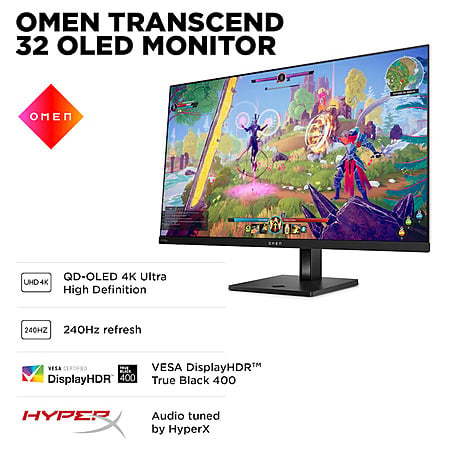
Specs:- Resolution: 3840 x 2160 (4K UHD)
- Refresh Rate: 240Hz
- Response Time: 0.03ms
- Panel Type: QD-OLED
- G-SYNC Compatible (NVIDIA Adaptive Sync)
- Brightness: 250 nits (typical), 1000 nits (peak)
- VESA Certified DisplayHDR 400 True Black
- VESA: 100 x 100mm
- Model: Omen 32 Transcend
- Ports:
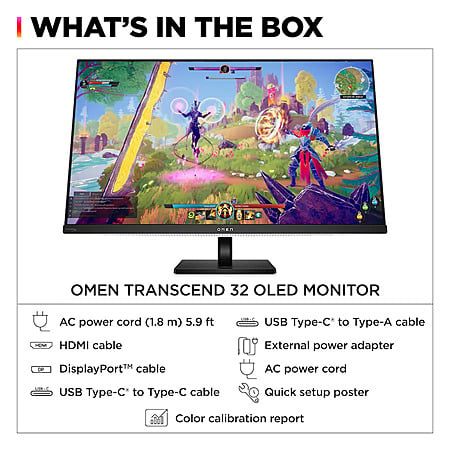
- 1x DisplayPort 2.1 UHBR10
- 2x HDMI 2.1
- Display connection via USB port
- 3x USB-C 3.2
- 3x USB-A 3.2
- 3.5mm Audio Jack (Audio Out)
- Features:
- NVIDIA G-SYNC Compatible
- VESA Certified AdaptiveSync
- VESA ClearMR 13000
- VESA DisplayHDR True Black 400
- OMEN Gear Switch (2-Device KVM)
- 140W USB-C Power Delivery
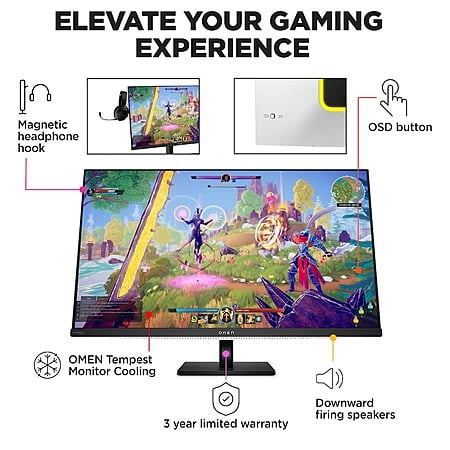
- OMEN Tempest Monitor Cooling
- Audio Tuned by HyperX
- Enhanced aRGB Lighting
- Fully adjustable stand with magnetic headphone hook
- Three-Year Limited Warranty













Leave a Comment
2 Comments
Sign up for a Slickdeals account to remove this ad.
Also, I've read that it covers burn in but an HP response to the Q&A section on Best Buy wrote "In most cases, this damage is considered customer induced and is not covered by any standard warranty. Therefore, it is the owner's responsibility to cover the cost of repair unless they have previously purchased Accidental Damage Protection (ADP). If the product is out of warranty, a fee-based service may be initiated by contacting HP. To minimize the risk of burn-in, you can use screen savers, reduce brightness, and periodically change the content displayed on your screen. For more information, please contact HP Support."
Leave a Comment