JS Digital US via Amazon has
JSAUX USB-C Video Capture Card (CV0089) on sale for $39.99 - $17.20 promo code
W7OARC8G at checkout =
$22.79.
Shipping is free.
Thanks to Community Member
Mark D for sharing this deal.
- Note: You must be logged in to clip coupons or apply promo codes. Coupons/Promo codes may vary by account or may need to be re-applied in order to discount properly.
Details:
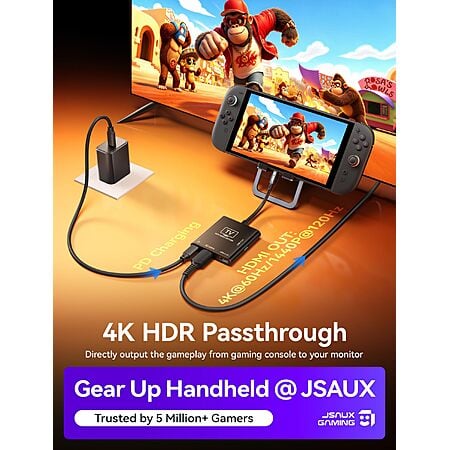
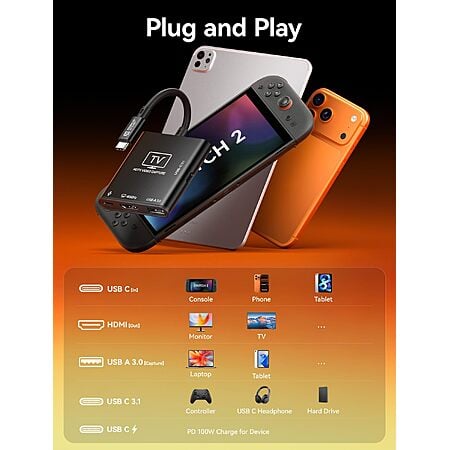
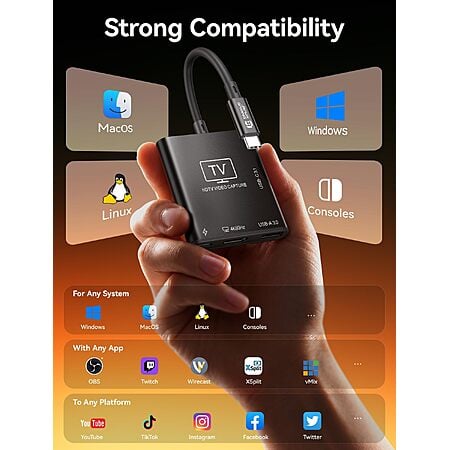
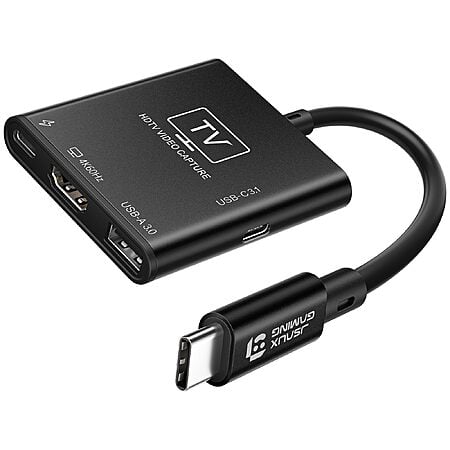
- 2-in-1 USB-C capture card and handheld dock; aluminum shell; plug-and-play on Windows, macOS, and Linux
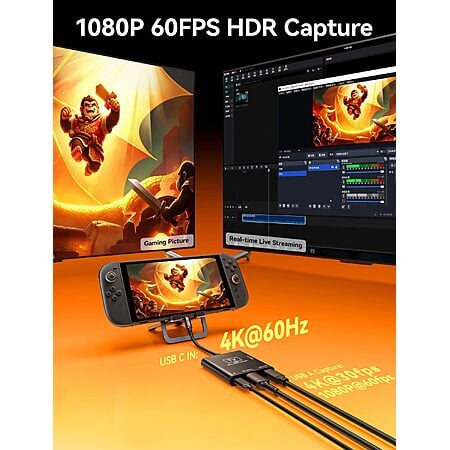
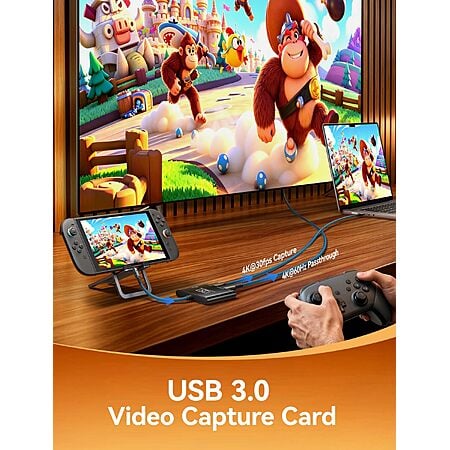
- USB-C video in: 4K@60 Hz or 1440p@120 Hz; HDMI passthrough; Switch 2 must use the console's bottom USB-C port
- USB-A capture out: 4K30 or 1080p60; OBS, Streamlabs, XSplit, vMix, Twitch Studio
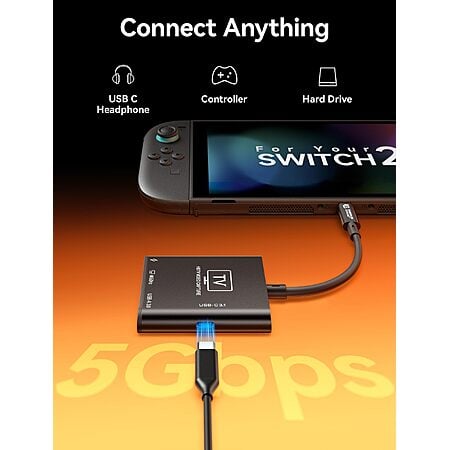
- Separate USB-C PD in up to 100W; USB-C 3.1 data port at 5 Gbps for drives, keyboard/controller, or USB-C headphones
- Source device needs a full-featured USB-C port; listed for Switch 2, Steam Deck, ROG Ally, iPad, phone, laptop, and camera


 + Free S&Hat Amazon


Community Reviews
This is a portable capture card and secondary dock for Switch 2, Steam Deck, and similar USB C setups. It can feed a Steam Deck or Switch 2 into another screen, and PD passthrough still charges a laptop at about 65W while in use. The computer connection uses the USB Type A port, and a USB 3 Type A to Type A cable is needed to avoid USB 2 speeds. Switch 2 firmware changes and the device's nonintuitive setup are the main cautions, making it best for flexible travel use.
Common Questions (4)
It works with Switch 2 for some setups, including portable use and dock-style use. One caveat is that Switch 2 firmware updates can break some third-party USB-C/HDMI dock devices, so compatibility may depend on firmware and the exact setup.
The computer connection uses the USB Type-A port on the capture card, while the USB-C ports are for the Switch 2 and power. A USB 3 Type-A to Type-A cable is needed for full USB 3 speeds; a Type-A to Type-C cable can fall back to USB 2.
Yes, it can serve as a secondary dock in another location or as a travel dock. It can also feed a Steam Deck or Switch 2 into an iPad Pro for playing on the tablet screen without carrying an external monitor.
Yes, PD passthrough works while the card is in use. One tested setup showed about 65W charging to a laptop during capture, though the exact wattage may be capped by the connected device.
AI-generated summary based on comments from the community. Updated ago
Join The Conversation
Share your experience with the Slickdeals community
Share information with the community. Please follow our Community Guidelines and be kind!
29 Comments
Sign up for a Slickdeals account to remove this ad.
I'm looking for a device with some simple software.
Sign up for a Slickdeals account to remove this ad.
The card supports the following, tested on Linux. Reports bcdUSB 3.20 and bcdDevice 31.00
1080p (1920×1080):
- MJPEG: 120 fps
- YUYV 4:2:2: 60 fps
- NV12: 60 fps
- BGR24 / RGB 4:4:4: 60 fps
1440p (2560×1440):
- MJPEG: 60 fps
- NV12: 60 fps
- YUYV: 50 fps
4K (3840×2160):
- MJPEG: 60 fps
- NV12 4:2:0: 30 fps
- YUYV 4:2:2: 25 fps
PD passthrough also works. My charging cable shows about 65W charging the laptop while using the capture card. Possibly capped due to laptop.
Join The Conversation
Share your experience with the Slickdeals community
Share information with the community. Please follow our Community Guidelines and be kind!