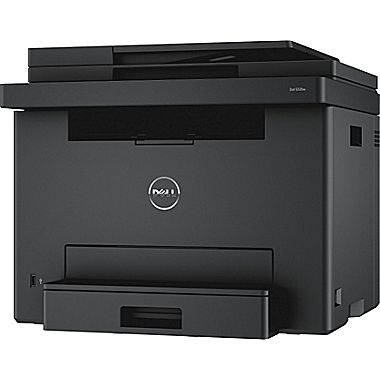
Anyone ever had a firmware update go bad on theirs? I wish I had never clicked the update button in the Dell printer hub. Took forever to download and then install the update. The circle thing just spun for like 20 minutes after download. Eventually it said update failed in the Hub and the printer rebooted. I can ping it on my network, but Windows says it is offline. I tried removing it from Windows, and doing the easy install again, but it isn't detected anymore. Thanks Dell for bricking my printer! Should haven't relied on the wireless connectivity.
Edit- not bricked! Just impacted by a recent upgrade to Bitdefender. A web control was placed on the connection so the web management wouldn't work! I reset the network and rejoined via wps (hold down the button a couple seconds then hit button on router and it's good) . Then removed old dell software, deleted old printers (pcl, fax, etc) and then used the dell easy install. Found the printer on a new IP right away!
Anyone else scanning to a network share? Seems this printer can only do SMBv1 which Microsoft has patched last fall. I had to run a powershell command to temporary disable smbv2/3 so smb1 would work from the printer. Then I re-enabled them but that's a pain. Any workaround with the E525W? Latest firmware didn't change anything in regard to this


8 Comments
Your comment cannot be blank.
Sign up for a Slickdeals account to remove this ad.
bought this a few days ago and set it up today. good deal for $120.
bought this a few days ago and set it up today. good deal for $120.
Just select the option to print in black and white in settings.
Sign up for a Slickdeals account to remove this ad.
Anyone else scanning to a network share? Seems this printer can only do SMBv1 which Microsoft has patched last fall. I had to run a powershell command to temporary disable smbv2/3 so smb1 would work from the printer. Then I re-enabled them but that's a pain. Any workaround with the E525W? Latest firmware didn't change anything in regard to this