Did this coupon
work for you?
work for you?


| Post Date | Sold By | Sale Price | Activity |
|---|---|---|---|
 10/28/21 10/28/21 |  Newegg Newegg | $55 popular |
5 |
 10/04/21 10/04/21 | Newegg | $55 popular |
13 |
 08/19/21 08/19/21 | Newegg | $52 popular |
15 |
| 08/16/21 |  Amazon Amazon | $55 frontpage |
64 |
 07/08/21 07/08/21 | Newegg | $63 |
1 |
| 05/24/21 | Newegg | $65 |
0 |
 05/06/21 05/06/21 | Newegg | $62 frontpage |
69 |
| 04/27/21 | Newegg | $62 popular |
9 |
 03/31/21 03/31/21 | Amazon | $63 |
7 |
 03/25/21 03/25/21 | Newegg | $60 popular |
26 |
| 01/08/21 | Newegg | $63 |
6 |
| 01/04/21 | Newegg | $65 popular |
14 |
 11/15/20 11/15/20 | Newegg | $63 |
1 |
| 11/02/20 | Newegg | $63 |
0 |
 11/01/20 11/01/20 | Amazon | $63 |
9 |
 10/14/20 10/14/20 | Amazon | $63 |
0 |
| 09/06/20 | Amazon | $70 |
1 |

The link has been copied to the clipboard.

19 Comments
Your comment cannot be blank.
Sign up for a Slickdeals account to remove this ad.
Cloned 256 to 1T nvme recently using Macrium.
Sign up for a Slickdeals account to remove this ad.
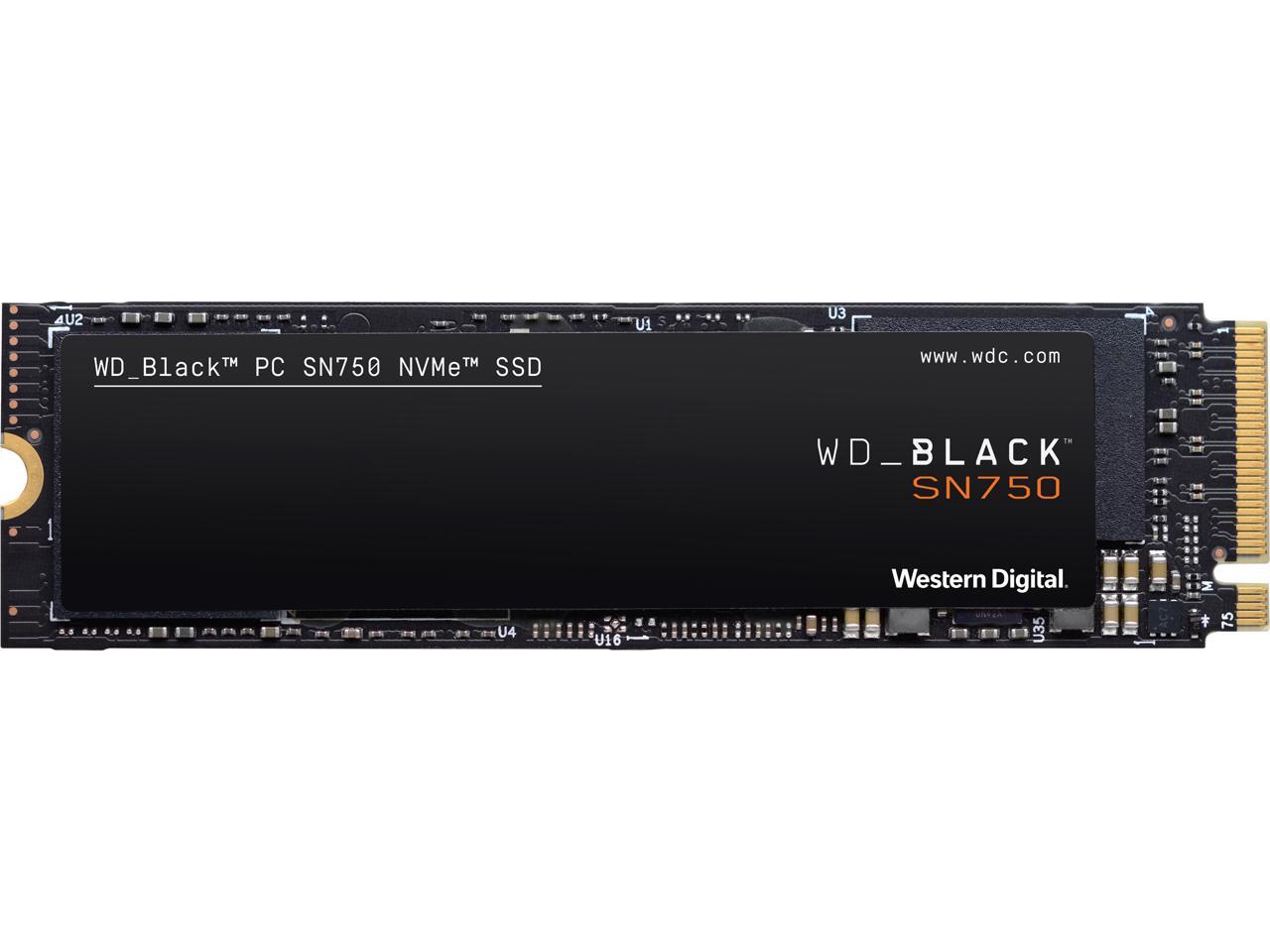
I have this exact drive. Naked it would run 35C idle to 70C heavy load/benchmark. Typical load temps are around 60-65C. I put a EKWB heatsink on it and it idles 49C to 51C heavy load. Yeah it barely moves under load with the heatsink on. Is it necessary? No. Does it prevent throttling? Absolutely. Does it look good? Also yes
I have this installed in a laptop and it works fine without a heatsink. It gets hot during large file transfers (55-60F), but otherwise it's always sitting at 45F. I've done light gaming on it - it's definitely not a gaming laptop but I managed to play things like Mafia II on it, if that offers some perspective. The SSD didn't burn up or fall apart after hours of continuous gameplay so that's a good sign. It would be running even cooler if it were under more spacious conditions, probably around 35F. I imagine you wouldn't really need a heatsink if you're putting this in a desktop with adequate space and cooling.
Or create a boot drive and reinstall Windows to this drive. It's a fairly simple process and you can keep all of your files. You will have to reinstall any apps and game clients.
https://shop.westerndig