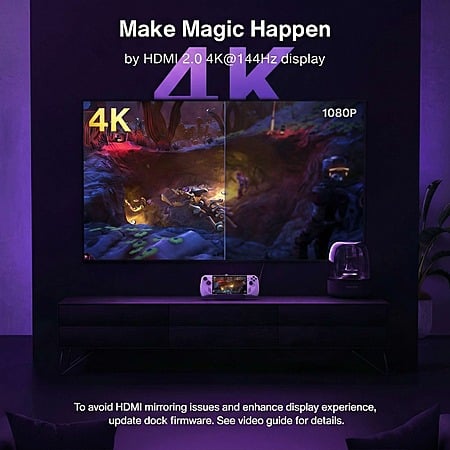
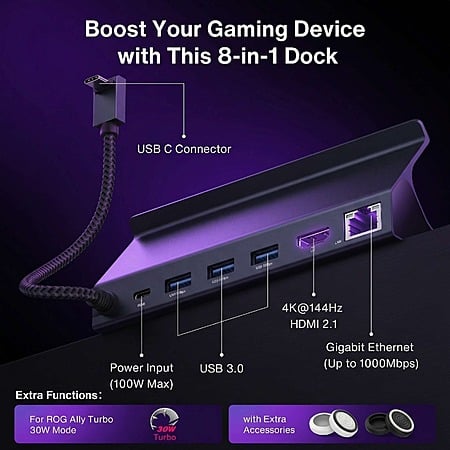
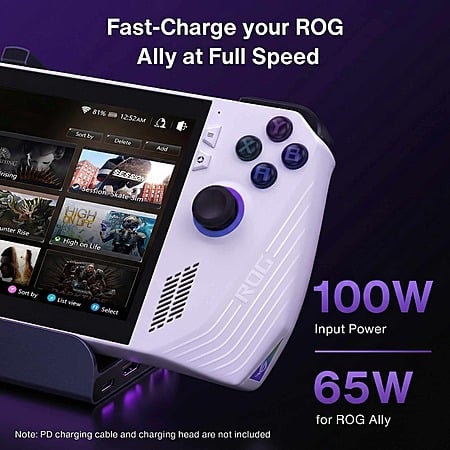
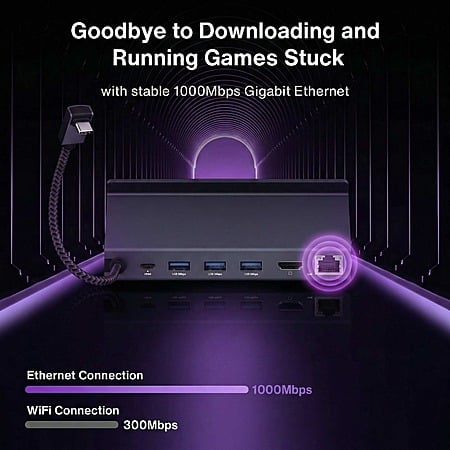
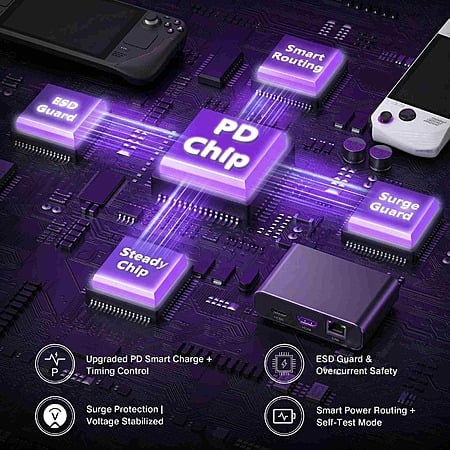
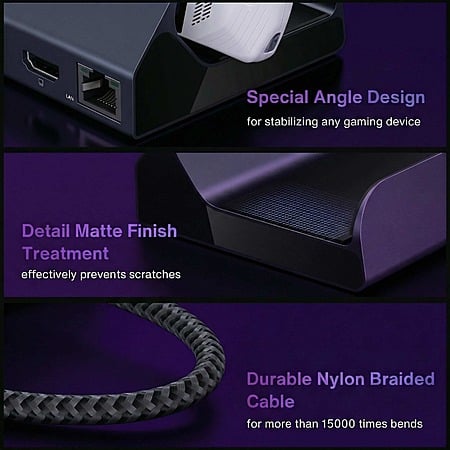
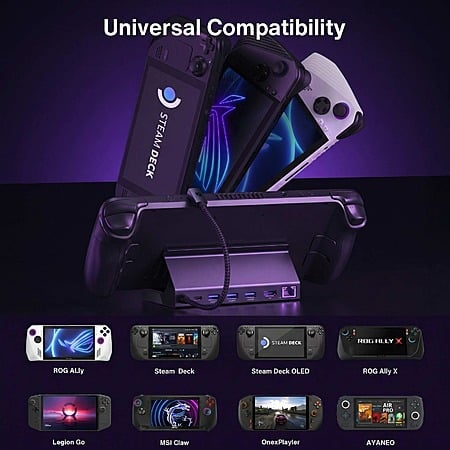
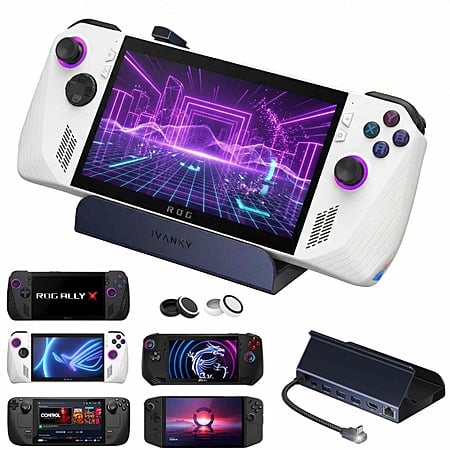
NEVE NA via Amazon[amazon.com] has iVANKY 8-in-1 4K@144Hz HDMI 2.1 Docking Station for ROG Ally & Steam Deck on sale for $21.99 w/ code C2QPKKZA at checkout. Shipping is free
Community Notes
This collaborative space allows users to contribute additional information, tips, and insights to enhance the original deal post. Feel free to share your knowledge and help fellow shoppers make informed decisions.
NEVE NA via Amazon[amazon.com] has iVANKY 8-in-1 4K@144Hz HDMI 2.1 Docking Station for ROG Ally & Steam Deck on sale for $21.99 w/ code C2QPKKZA at checkout. Shipping is free
I feel this can work with any good android device like Samsung dex. Can anyone confirm?
As long as your Android device supports the the feature set. Samsung Dex is explicitly designed for use cases like this, but whether or not it supports 4k144hz on external monitor is a different issue (although it should degrade gracefully and work at a lower res/rate if not).
I would still look for a dock that either isn't intended for a specific device (shaped to fit a handheld) or at least isn't hard-angled on the back (the part the device rests on); I've got a similar dock (ugreen 9 in 1 4k60 HDMI) with a hinged backrest so if I decided to put my tablet in it I could move it down a bit lower to adjust the angle it's held at without resting the tablet against the metal. This way you can use the dock in bed or elsewhere.
Alternatively, you can get a dock that doesn't have a built-in stand, and use a separate generic stand that isn't designed for a specific device at all, this is more likely to include adjustments to support larger/smaller devices than a docking station designed specifically for a controller form factor.
As long as your Android device supports the the feature set. Samsung Dex is explicitly designed for use cases like this, but whether or not it supports 4k144hz on external monitor is a different issue (although it should degrade gracefully and work at a lower res/rate if not).
I would still look for a dock that either isn't intended for a specific device (shaped to fit a handheld) or at least isn't hard-angled on the back (the part the device rests on); I've got a similar dock (ugreen 9 in 1 4k60 HDMI) with a hinged backrest so if I decided to put my tablet in it I could move it down a bit lower to adjust the angle it's held at without resting the tablet against the metal. This way you can use the dock in bed or elsewhere.
Alternatively, you can get a dock that doesn't have a built-in stand, and use a separate generic stand that isn't designed for a specific device at all, this is more likely to include adjustments to support larger/smaller devices than a docking station designed specifically for a controller form factor.
Yes, I'm lazy. Put your head on your pillows and watch a movie. I use my tablet this way; I can't imagine using a dock with a monitor for such, but there's no reason to buy something that can only be used in one way when you can get something similar but more flexible for the same price.
This seems like an earlier version of the dock that was posted last week for $20 because it doesn't list the newer ROG Xbox Ally. Are there any other notable differences? I'm considering trying it to see if it'll fit the Xbox version.


 Amazon


Join The Conversation
Share your experience with the Slickdeals community
Share information with the community. Please follow our Community Guidelines and be kind!
16 Comments
Sign up for a Slickdeals account to remove this ad.
I would still look for a dock that either isn't intended for a specific device (shaped to fit a handheld) or at least isn't hard-angled on the back (the part the device rests on); I've got a similar dock (ugreen 9 in 1 4k60 HDMI) with a hinged backrest so if I decided to put my tablet in it I could move it down a bit lower to adjust the angle it's held at without resting the tablet against the metal. This way you can use the dock in bed or elsewhere.
Alternatively, you can get a dock that doesn't have a built-in stand, and use a separate generic stand that isn't designed for a specific device at all, this is more likely to include adjustments to support larger/smaller devices than a docking station designed specifically for a controller form factor.
Our community has rated this post as helpful. If you agree, why not thank
Sign up for a Slickdeals account to remove this ad.
I would still look for a dock that either isn't intended for a specific device (shaped to fit a handheld) or at least isn't hard-angled on the back (the part the device rests on); I've got a similar dock (ugreen 9 in 1 4k60 HDMI) with a hinged backrest so if I decided to put my tablet in it I could move it down a bit lower to adjust the angle it's held at without resting the tablet against the metal. This way you can use the dock in bed or elsewhere.
Alternatively, you can get a dock that doesn't have a built-in stand, and use a separate generic stand that isn't designed for a specific device at all, this is more likely to include adjustments to support larger/smaller devices than a docking station designed specifically for a controller form factor.
Sign up for a Slickdeals account to remove this ad.
Join The Conversation
Share your experience with the Slickdeals community
Share information with the community. Please follow our Community Guidelines and be kind!