About this item
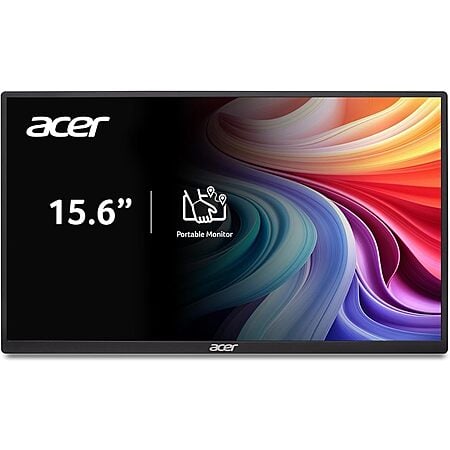
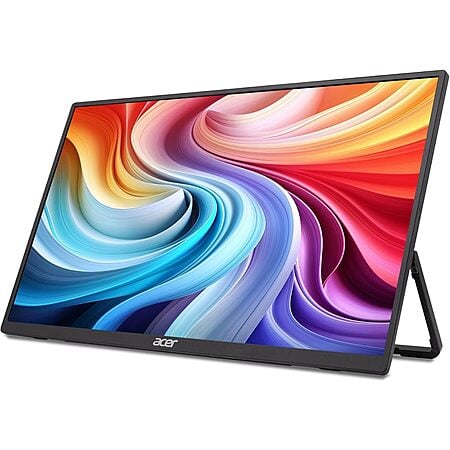
Experience crystal-clear visuals on the 15.6" LCD screen with Full HD 1920 x 1080 resolution, providing sharp image quality and vibrant colors for all your content. The 16:9 aspect ratio delivers widescreen viewing perfect for movies, presentations, and productivity tasks, while the 250 nits brightness ensures visibility even in well-lit environments.
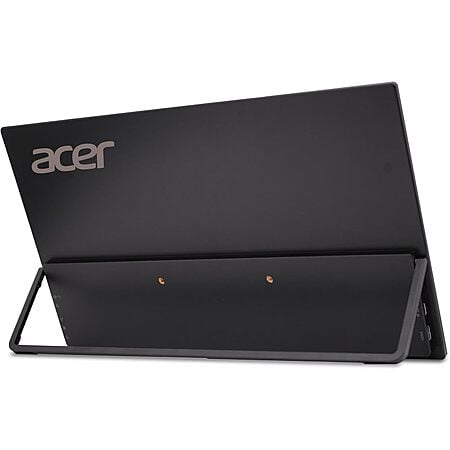
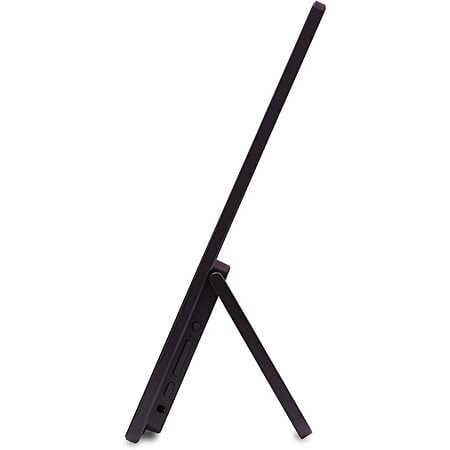
Measuring just 17.3" width x 8.9" height x 0.4" depth and weighing only 1.7 pounds, this slim and lightweight portable monitor is designed for professionals and students on the go. The sleek black finish adds a touch of sophistication while maintaining durability for daily transport between workspaces, classrooms, or client meetings.
Enjoy fluid visuals with a 60Hz refresh rate that delivers consistent frame rates for everyday computing tasks, casual gaming, and video playback. The 5ms response time minimizes motion blur and ghosting, ensuring crisp transitions between moving images and providing a more immersive viewing experience for videos and light gaming.
The Acer PM161Q portable monitor offers flexible connection options that make it compatible with laptops, smartphones, tablets, and gaming consoles. Set up a dual-monitor workstation anywhere or extend your screen real estate for improved productivity without being tied to a desk. Perfect for presentations, coding, content creation, or multitasking in any location.
Designed for plug-and-play functionality, this portable monitor requires minimal setup time so you can get to work immediately. The intuitive on-screen display menu allows for quick adjustments to brightness, contrast, and other display settings to customize your viewing experience based on your environment and preferences.
https://www.amazon.com/acer-Porta...176&sr=8-4











Leave a Comment
12 Comments
Sign up for a Slickdeals account to remove this ad.
Our community has rated this post as helpful. If you agree, why not thank SMRTEXAS
Sign up for a Slickdeals account to remove this ad.
https://www.amazon.com/LISEN-Adju...HQJ6X&th
Leave a Comment